Does it need internet?
No. Mi Apunte works 100% offline. There's no account to create, nothing to sync and no servers involved. Use it on a plane or out in the countryside with no signal and it behaves exactly the same.
Are my notes and expenses uploaded anywhere?
No. The app does not collect, store or share any personal data. Not even the receipt photo: text recognition runs on the phone itself and the image is never sent to any server. It's all spelled out in the privacy policy.
Is my data shared with third parties?
With no one. No ad SDKs, no analytics, no trackers, no business partners. It isn't a marketing promise: the pipe simply doesn't exist — the app has no servers to send your data through.
Can anyone read my notes?
Not even the developer: there are no servers to look at them on. Your data lives only inside your phone. Full honesty: someone holding your unlocked phone could open the app — that's what the per-note password lock is for.
Is the bank statement I import uploaded anywhere?
No. You pick the file yourself (CSV or PDF), it's read inside your phone and it stays there. The app never connects to your bank, never asks for your banking credentials, and the file never travels to any server. Not even your bank finds out you use Mi Apunte.
What permissions does it ask for, and why?
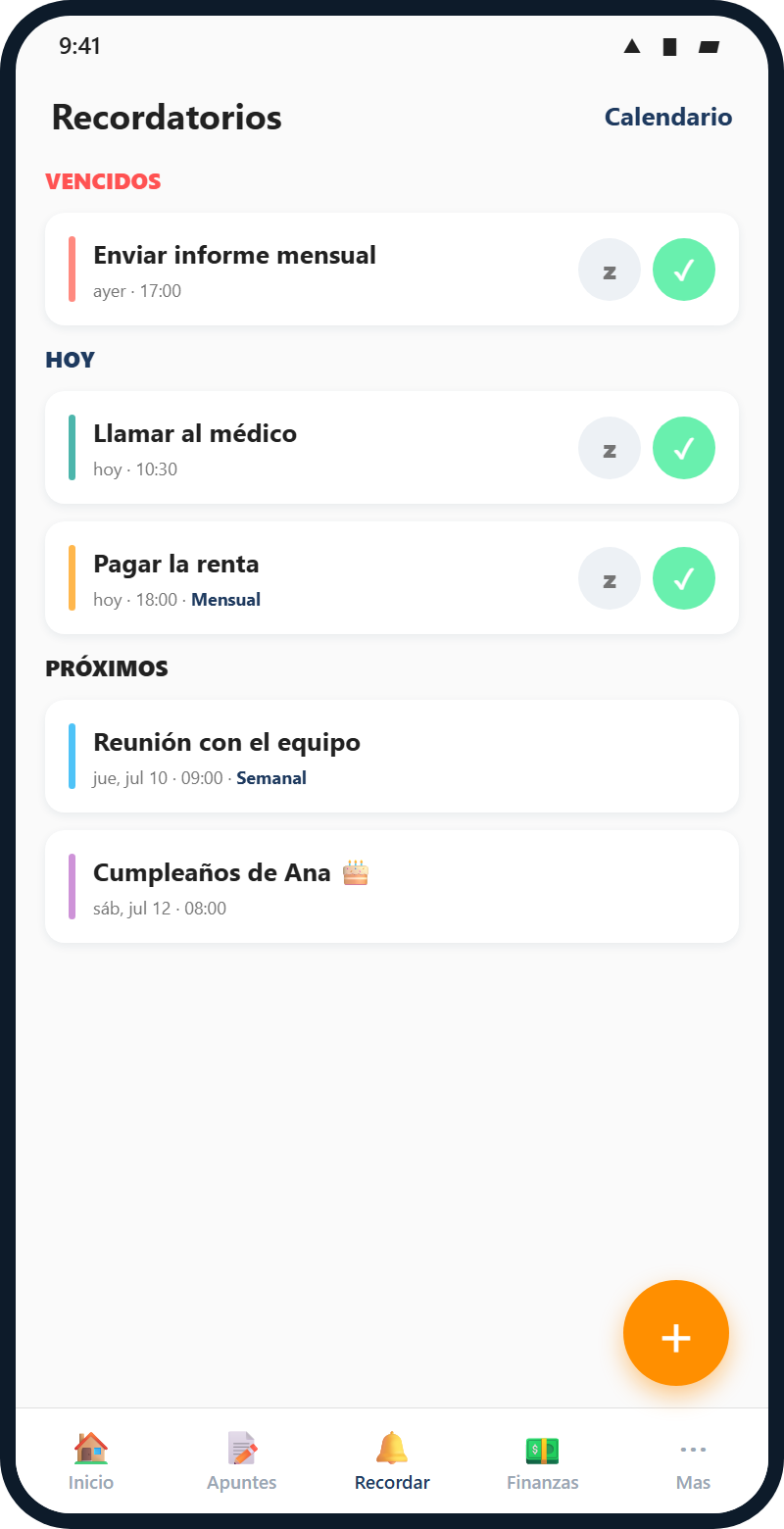
Three, all optional: camera only to photograph receipts (read on the device), microphone only to dictate notes (it uses your own phone's voice service, the same one the keyboard uses), and notifications so reminders can ring. Grant none of them and the app still works in full.
Any ads, purchases or subscription?
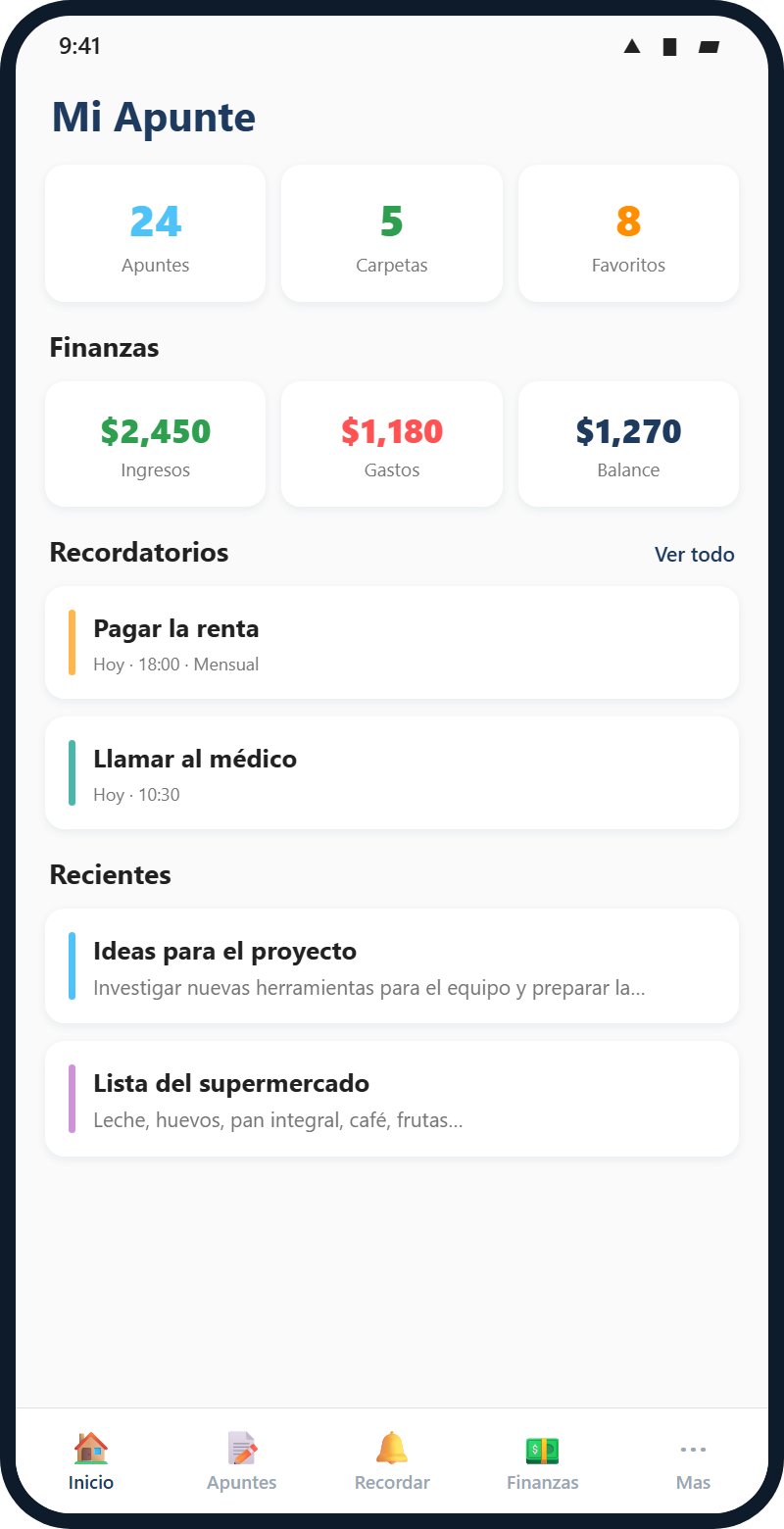
None of the three. Mi Apunte is free, has no ads, no in-app purchases and no subscription. It also ships with no advertising or analytics SDKs.
How does receipt scanning work?
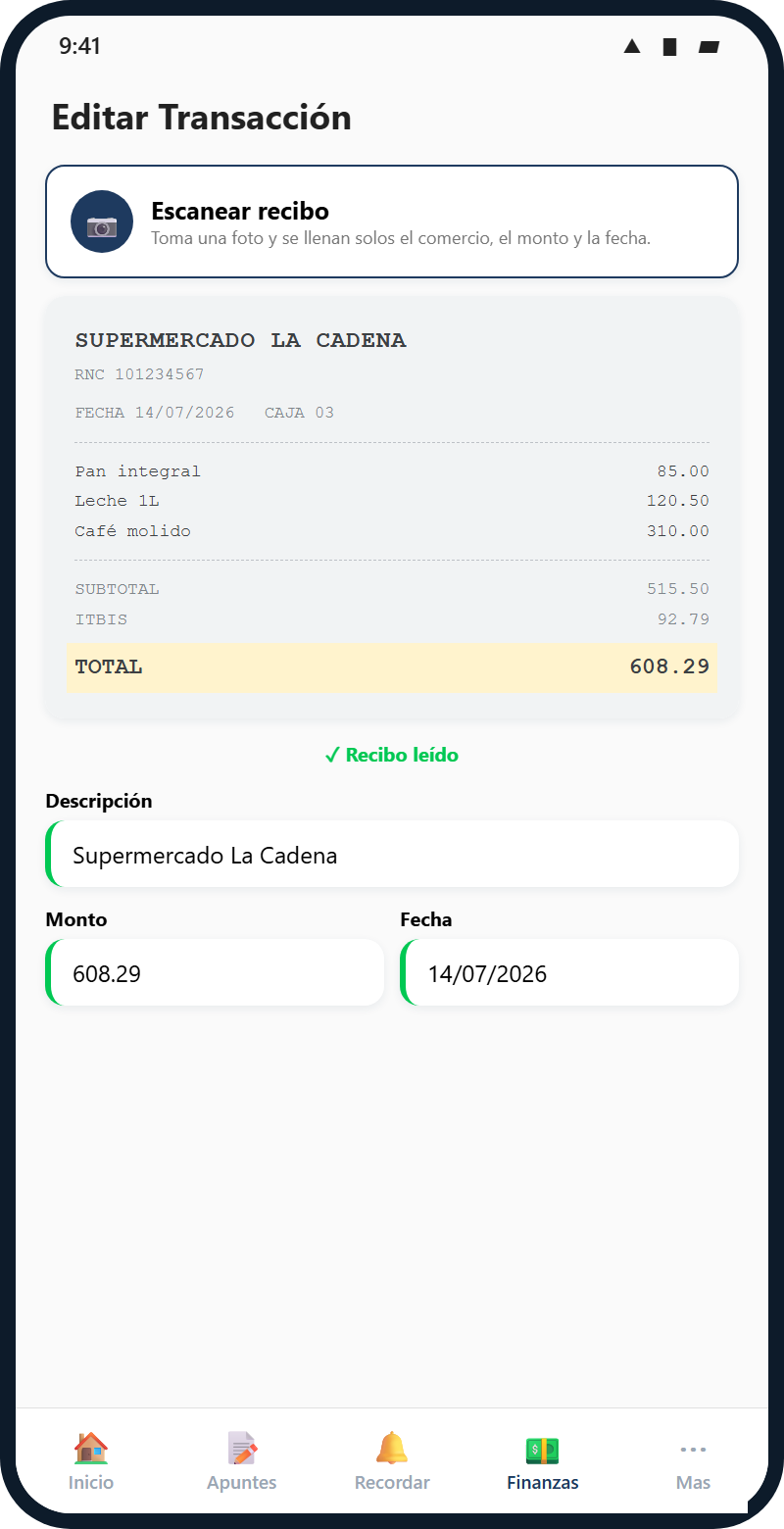
You photograph the receipt (or pick one from your gallery) and the app reads the merchant name, the total and the date, then fills the expense in for you. It uses on-device text recognition, so it works without internet. You can always correct any field before saving. This feature is currently Android-only.
Can I lock a note with a password?
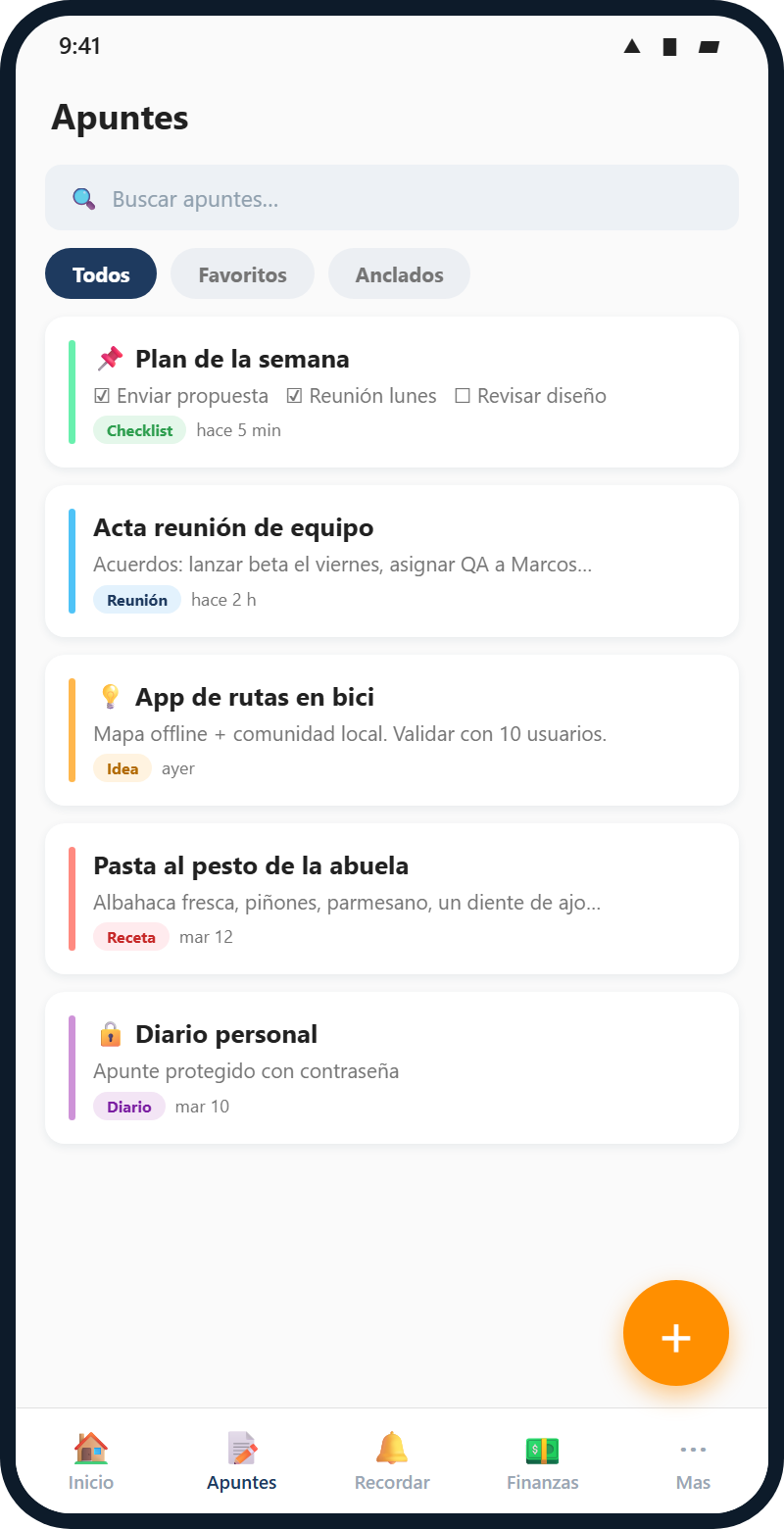
Yes, each note individually. A protected note never shows its content in lists or on the home screen, and asks for the password to open. It's optional — use it only on the notes that genuinely need it.
Will I lose my data when I update?
No. Installing a new version over the previous one keeps everything: notes, finances, reminders and settings. What does wipe your data is uninstalling the app. That's why Settings has "Export Backup", which saves a complete copy of the database wherever you want it.
Is it on the Google Play Store?
Yes, it's published: find it on Google Play. One tap to install, and updates reach you automatically.
I installed the APK — can I switch to the Play version?
Yes, and you lose nothing. Both builds are signed with the same key, so Google Play installs over the one you already have and keeps your notes, expenses and reminders. No need to uninstall. If you'd still rather play it safe, export a backup from Settings first. (The direct APK still exists, at the foot of this page.)
What about the iPhone version?
It's on the way. The app is built with .NET MAUI, which compiles for iOS, so it's a matter of time and store review — not of rewriting it.